Paid Ads & Lead Generation
How to Run a High-Impact Google Search Campaign on a Small Budget (2025 Guide)
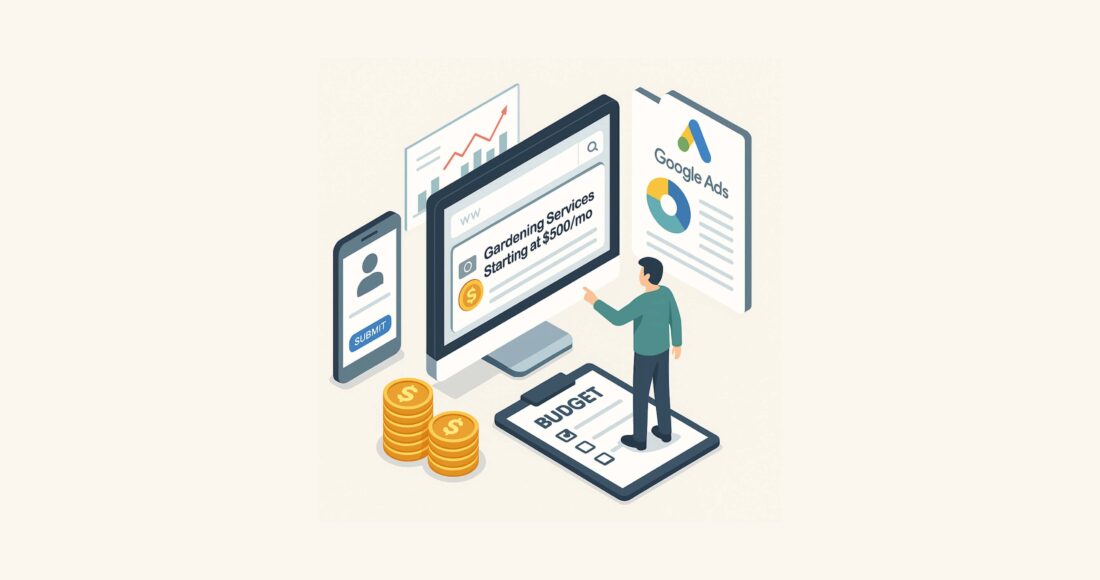
Paid search can be a powerful way to amplify your home service digital marketing. But if you’re a local service provider trying to generate leads without burning through cash, you don’t need a massive Google Ads budget—you need precision. This guide walks you through the step-by-step strategy to launch a profitable lead gen campaign, even with minimal spend.
1. Focus on One Service to Maximize Results
When budget is tight, focus is your secret weapon.
Instead of spreading your budget across multiple services, pick one high-ticket or top-performing service. This gives you enough click data to optimize quickly and ensures that every lead has a higher potential ROI.
How to choose the right service:
- If you have conversion data: Go with your top converter.
- If not: Choose your most profitable or most in-demand service (e.g., landscaping design vs. basic lawn mowing).
Why it works:
- Tighter targeting = better ad relevance = lower cost per lead.
- You’ll learn faster and scale smarter.
2. Nail Your Location Targeting and Geo-Consistency
Google rewards relevance. That includes location.
To get maximum Quality Score and click-through rate in your service area:
- Target a specific location (e.g., “Los Angeles” instead of “California”).
- Include the location in:
- Keywords: [tree trimming Los Angeles]
- Ad Copy: “Tree Service in Los Angeles”
- Landing Page: Headline, title tag, meta description, and body content
Why this matters:
- Geo-specific targeting increases ad relevance.
- Higher relevance → Lower CPC + higher position on the page.
Extra tip: If you serve several neighborhoods, test separate campaigns or ad groups for each one with tailored messaging.
3. Smart Keyword Strategy for Lean Budgets
When every dollar counts, keyword selection can make or break your campaign.
Start With:
- Exact Match: Use [brackets] to force tight control.
- Example: [emergency plumber Brooklyn]
- Phrase Match (optional later): Use “quotes” for slight flexibility.
How to Choose Keywords:
- Use Google’s Keyword Planner
- Look at the Top of Page Bid (High Range) column
- Target mid- to low-cost keywords to get more clicks for your money
- Avoid single-word or broad keywords (e.g., “plumber” = money pit)
Keyword Examples:
| Good (Low CPC) | Bad (High Waste) |
| [fence installation Denver] | fence |
| [gutter cleaning Raleigh] | cleaning |
| [landscaping near me] | landscaping ideas (informational) |
Advanced Tip: Use negative keywords from day one (see section 8) to filter out bad traffic and protect your budget.
4. Craft Ads That Attract Ideal Clients—and Repel Time Wasters
With a small budget, your goal is not more clicks—it’s better clicks.
Use ad copy to:
- Attract ideal customers
- Deter tire-kickers, freebie-seekers, and low-budget shoppers
Example Headline:
“Lawn Care Starting at $500/mo | Premium Service in Charlotte”
Why this works:
- Sets expectations up front
- Reduces unqualified clicks
- Filters out people looking for $50 jobs
Pin the part with the price so it always shows in the ad. This may slightly lower your CTR and Quality Score, but you’ll save hundreds in wasted spend.
Other tips:
- Use ad extensions like callouts and site links to add value
- Match ad copy to the exact search intent
5. Essential Campaign Settings to Avoid Wasted Spend
Here’s exactly how to configure your campaign settings for efficiency:
Creation:
- Campaign Objective: “Create a campaign without a goal’s guidance”
- Campaign Type: Search
- Results You Want: Leave blank
Conversion Tracking:
- Track form submissions and phone calls
- Set up Google Tag Manager or direct GTM snippet install for landing page forms
- Use CallRail or Google’s built-in call forwarding for calls
Bidding Strategy:
- Start with Manual CPC or Maximize Clicks
- Avoid “Maximize Conversions” if your account has no conversion history
Networks:
- Uncheck Google Search Partners
- Uncheck Display Network
Location:
- Select your city/service area
- Use Presence: People in or regularly in your included locations
Schedule:
- Run ads during business hours only
- Set hour-specific scheduling so you can follow up ASAP (response speed = deal closed)
Devices:
- Exclude tablets
- If calls aren’t vital, lower mobile bids by 25% and adjust over time
6. Ad Creation: Tight Alignment for Maximum Impact
When creating your ad:
- Turn off automatically generated assets
- Only use manually crafted headlines and descriptions
- Make sure your ad group, keyword, and landing page are aligned around the same service and location
Landing page tips:
- One service, one offer
- Call-to-action above the fold
- No clutter—clean, fast, and mobile-friendly
- Add trust signals: badges, testimonials (if possible), or guarantees
7. Change These Settings After Publishing (Critical)
Once your campaign is live, immediately go back and adjust these:
Bidding:
- In Settings, click the gear icon next to your campaign
- Select: “Or, select a bid strategy directly (not recommended)”
- Choose: Manual CPC
- Set Max CPC per keyword group based on your keyword research
Devices:
- Go to Reports > Devices
- Exclude tablets
- Adjust mobile/desktop bids based on early data
Ad Group Bids:
- Go into your ad group and adjust the Max CPC bid per keyword
- Match bid to the average CPC shown in Keyword Planner
8. Use Negative Keywords to Block Low-Intent Traffic
One of the most overlooked (yet critical) parts of low-budget campaigns is negative keywords.
Start with a base list that excludes:
- Competitor brand names
- Job/internship seekers: “careers,” “job,” “hiring,” “internship”
- Freebie searchers: “free,” “cheap,” “discount”
- DIY searchers: “how to,” “tutorial,” “guide”
- Informational content: “ideas,” “tips,” “designs”
- Out-of-area searches: e.g., if you’re in Tampa, exclude “Orlando,” “Miami,” etc.
How to add them:
- Go to Negative Keywords in the campaign or ad group
- Click + Add Negative Keywords
- Apply the list to your campaign or specific ad groups
9. Follow Up With Incoming Leads Like Your Life Depends On It
Even the most dialed-in Google Ads campaign is worthless if leads fall through the cracks.
When someone submits a form or calls you, they’re ready to solve a problem right now. In most home service categories, they’re also contacting 2–3 other businesses. If you wait hours (or worse—days), your odds of closing that lead tank.
Here’s what fast, effective follow-up looks like:
- Respond within 5 minutes. Every minute counts. According to studies, contacting a lead within 5 minutes increases your chances of converting them by 100x compared to a 30-minute delay.
- Call first, then text/email. A personal phone call shows you’re professional and ready. If they don’t answer, immediately follow up with a friendly text or email.
- Use automation to your advantage:
- Set up an auto-responder email confirming their inquiry.
- Trigger a text message thanking them and confirming next steps.
- Use a CRM for home services with task reminders so no lead is forgotten.
- Keep your pitch simple and focused:
- Don’t over-explain. Just confirm what they need, give them next steps, and book the job.
- Use urgency if appropriate: “We have one slot left for Thursday morning—does that work for you?”
- Track all calls and forms so you can audit performance and identify bottlenecks in your lead handling.
Pro Tip: If you’re solo or can’t always answer instantly, use call routing or hire a virtual receptionist to make sure no lead is missed.
Bottom Line:
Your ad got them to click. Your landing page convinced them to inquire.
Now it’s your response time that determines whether or not you get paid.
Final Thoughts: Lead Generation Is Possible—Even on a Budget
Google Ads can deliver real results, even with just $1,000–$3,000/month, if you:
- Focus on your best offer
- Get super specific with targeting
- Use exact match keywords
- Aggressively block bad clicks
- Stay hands-on in the early days
Once your campaign starts generating leads, optimize daily, test landing pages, and consider expanding into remarketing or automated follow-up with a CRM.
Need help setting up your first campaign?
We help home service pros automate their lead generation and get better clients faster—with no fluff or gimmicks.
Book a free strategy call to get started.